
Wear OS Motion Charms
A motion asset kit for watch-face creators: tiny 24x24 pixel loops, static thumbnails, frame strips, GIF/APNG previews, and manifest metadata for steps, heart, battery, weather, timers, and small celebratory states.
Instant download after checkout - all 32 animations with PNG source frames, frame strips, GIF/APNG previews, static thumbnails, manifests, and release provenance, no account needed.
A$19 · 32 animations · commercial use, no attribution - sell finished watch faces, apps, games, and client work, unlimited end products. Only redistributing the animations or source files inside a template, builder, picker, or bundled library needs an extended or custom license. Billed in Australian dollars; local amounts are estimates.
Made by Pixelpond with the Motion Charms pipeline in the free Pixelpond Engine. The pack ships its real frame outputs, manifest metadata, and per-charm review provenance.
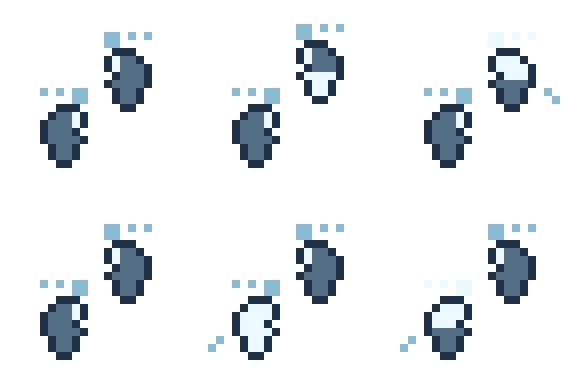
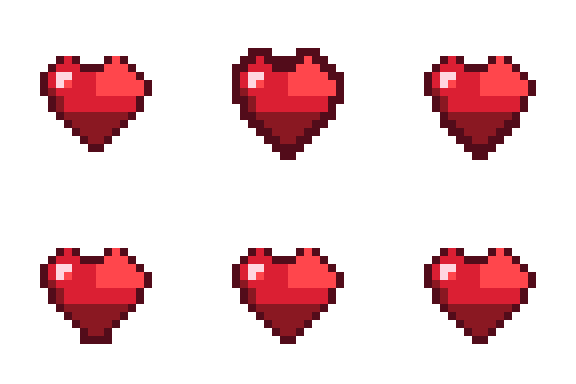
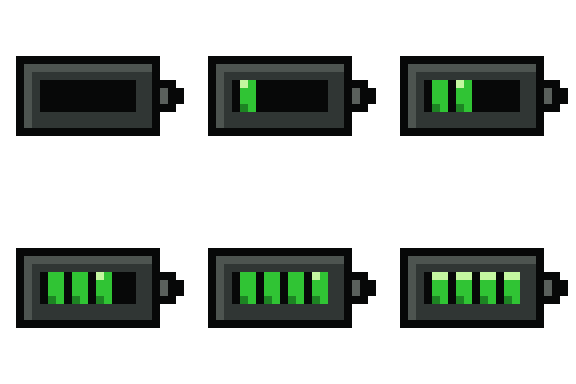
24px source-scale GIF previews from the v1 pack.
- Status
- Shipped v1
- Asset count
- 32 animations
- Source grid
- 24x24
- Price
- A$19
What's in the v1 motion set
- Steps
- Heart pulse
- Battery
- Charging
- Weather
- Timer
- Achievement
- Sleep
- Focus
- Hydration
- Distance
- Calories
Export formats
- PNG frame strips
- 24x24 PNG frames
- animated GIF previews
- APNG previews
- static thumbnails
- manifest.json
Built for tiny watch-face motion
Every charm is a 24x24 loop with a static thumbnail fallback. Use the shipped frames, strips, GIF/APNG previews, or thumbnails according to your Watch Face Studio or Watch Face Format workflow, then bind visibility, tint, timing, or transforms in the watch-face project.
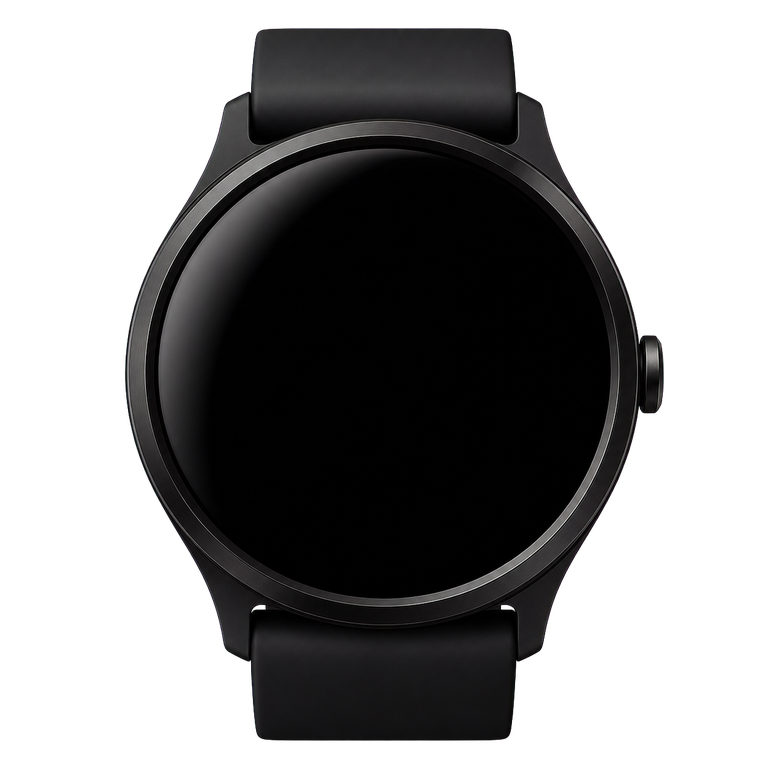
See the charms at 24px, on an OLED face
The animations are meant to be small accents around time, health, battery, weather, and celebration states - not blown-up standalone icons.
Move the default time, stat icons, and stat text independently, or drag and drop any GIF from the tray onto the watch face. The charms render at their 24px source scale.
Drag and drop a GIF onto the watch face
Select or drag a charm from the tray, then place it on the watch face. Placed charms, default icons, and default text can be dragged again. Focus a default item and use arrow keys to nudge it.
Motion Charms watch preview ready.
Release pack structure
source/frames/<id>/frame-00.png
strips/<id>-strip.png
animated/gif/<id>.gif
animated/apng/<id>.png
thumbnails/<id>.png
manifest.json
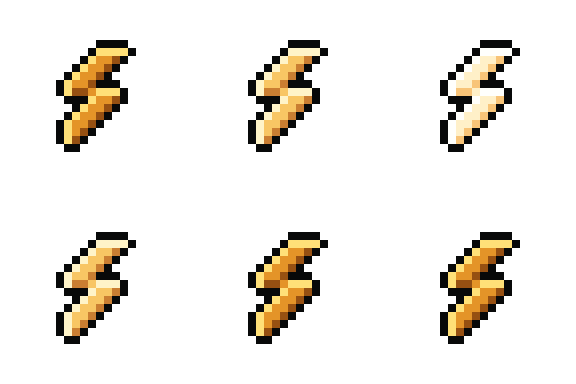
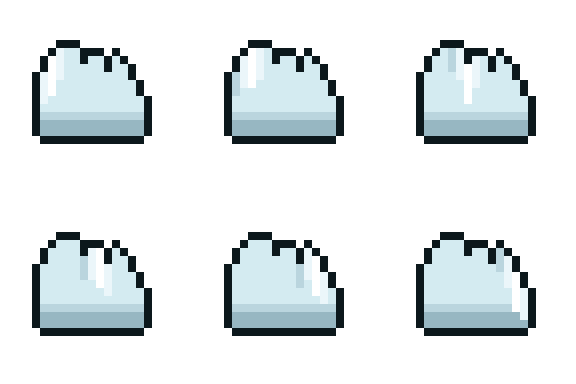
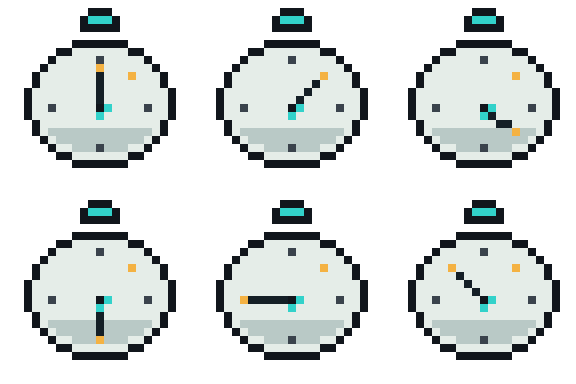
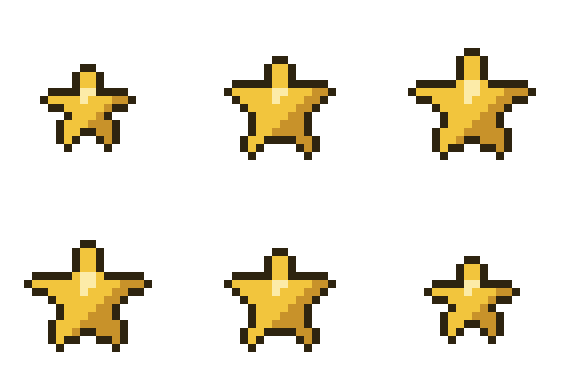
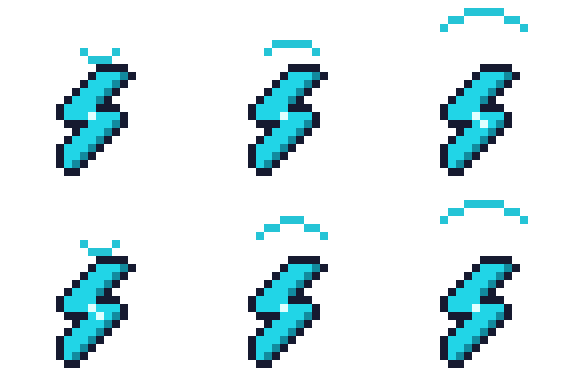
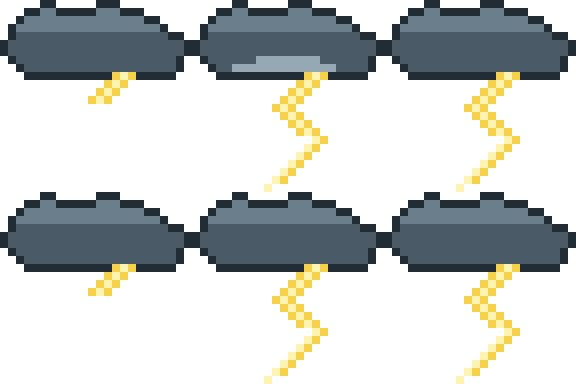
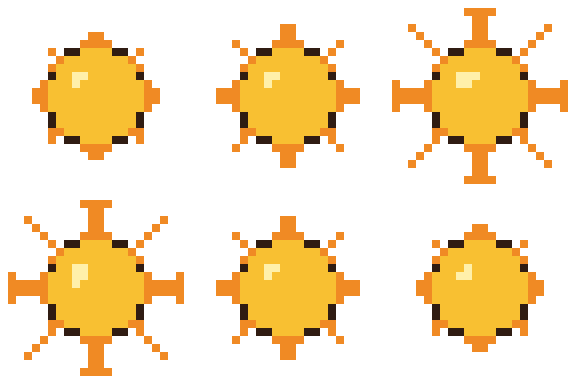
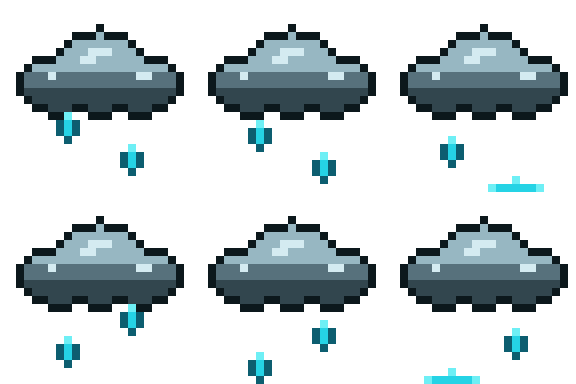
All 32 Motion Charms
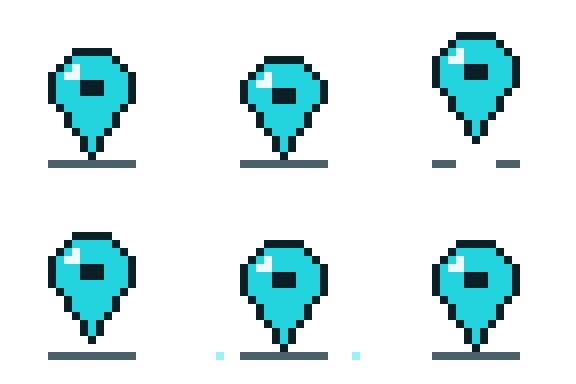
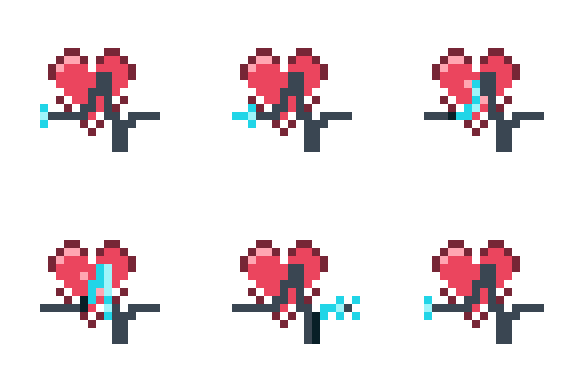
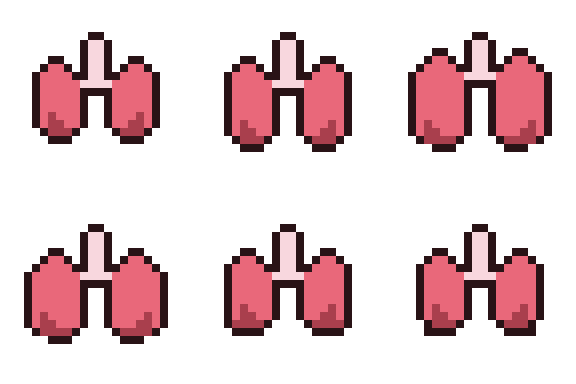
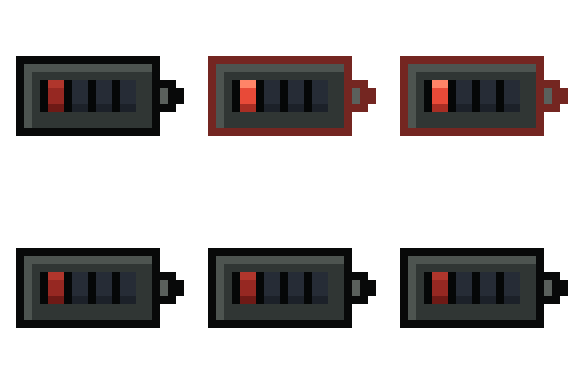
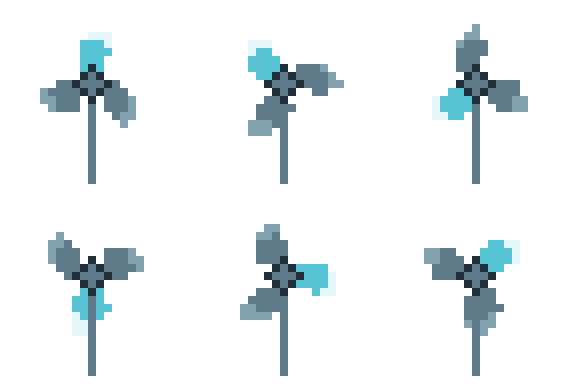
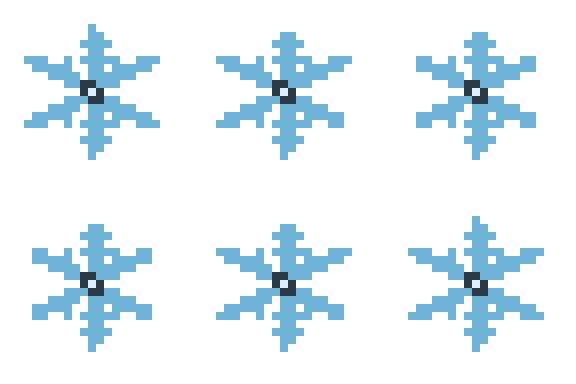
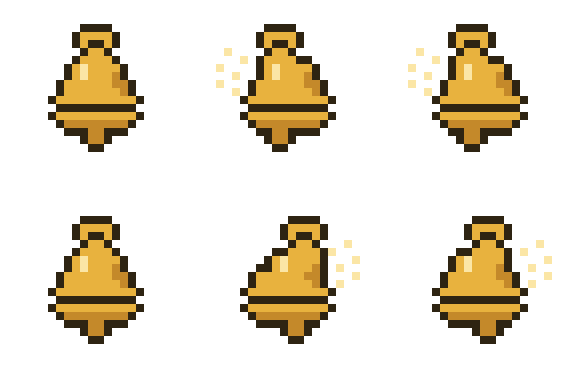
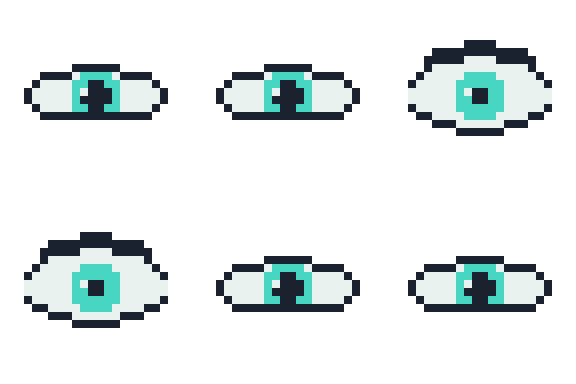
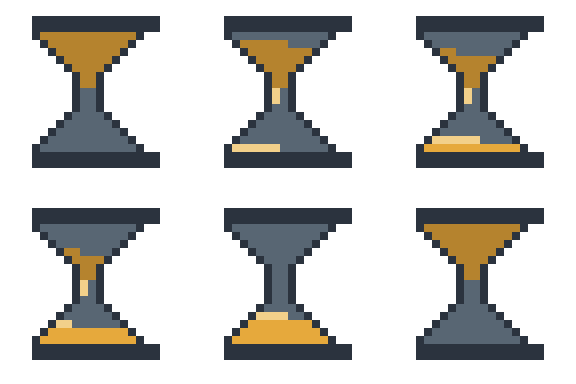
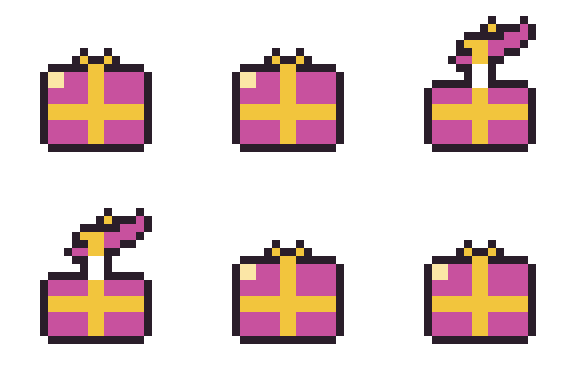
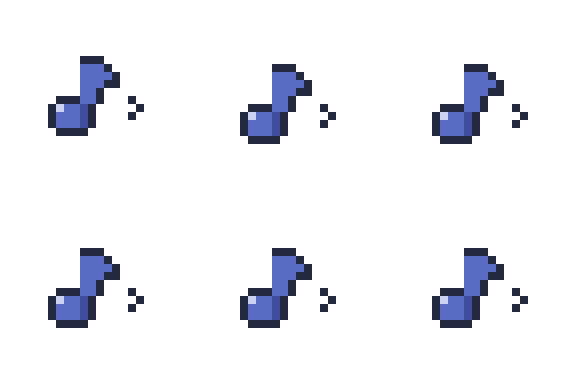
Every animation in the v1 pack, shown at source scale as the public GIF previews buyers can inspect before checkout.
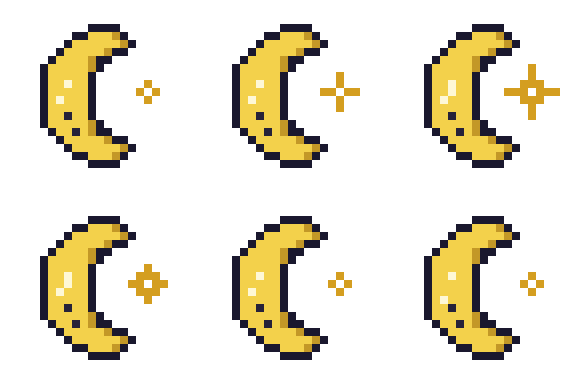
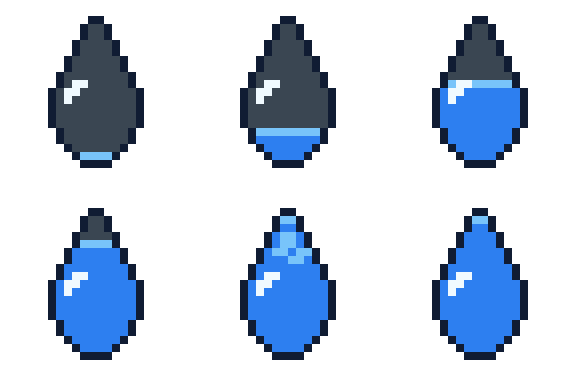
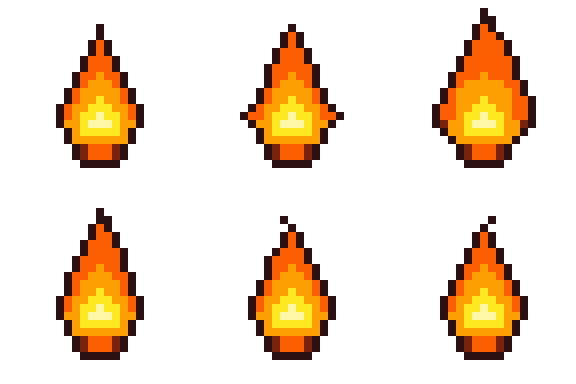
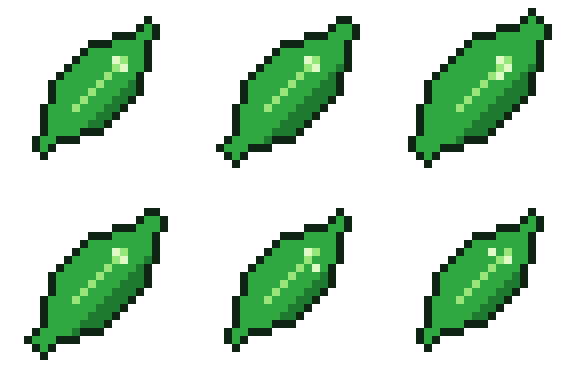
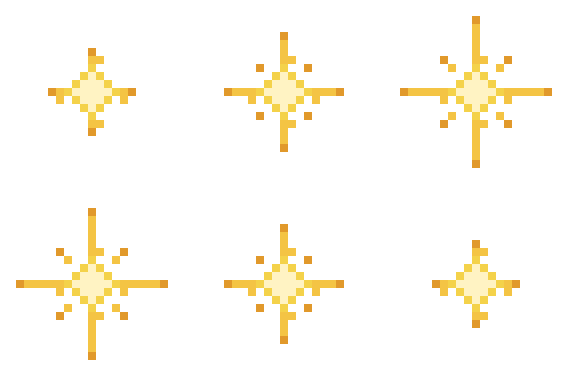
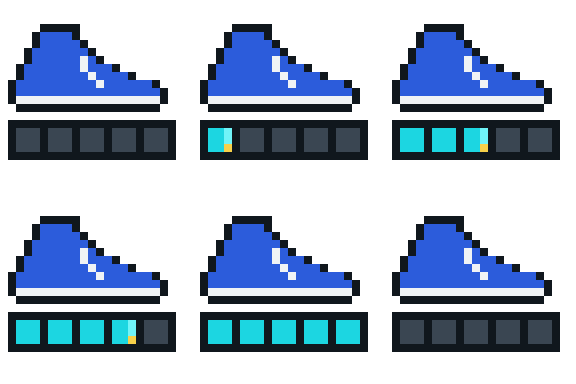
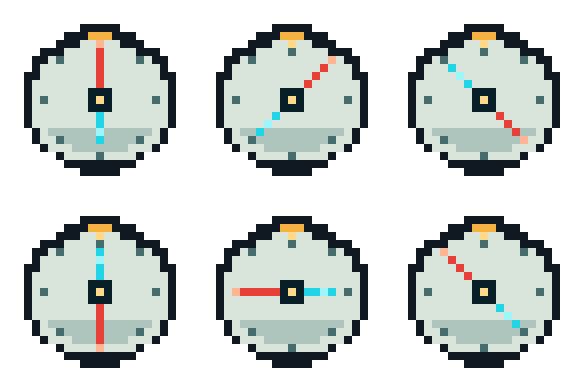
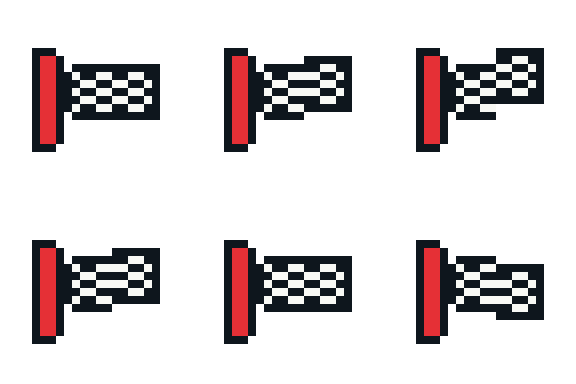


Included files and notes
- 32 animated decorative assets
- Static thumbnail for every animation
- PNG frame strip and strip metadata for every loop
- GIF and APNG preview for every charm
- Source PNG frames for every animation
- Manifest with categories, tags, loop metadata, and recommended use
- Verification or release-review provenance for every charm
Pack-specific notes
- These are decorative watch-face assets, not replacements for official monochrome complication icons.
- Every animation needs a thumbnail because WFF can render thumbnails where animation is not supported.
- Keep the animated pixels inside a fixed, tight bounding box; do not move a tiny sprite across a large transparent canvas.
- Data-reactive behavior should mostly happen in WFF with transforms, visibility, tint, or trigger timing, not by shipping dozens of progress frames.
More in the roadmap
Wear OS Micro Icons
160 tiny, ambient-safe pixel icons for watch faces and wrist UI.


- icons
- 160 icons
- Grid
- 16x16
- License
- Standard
Wear OS Creator Bundle
The static micro icon pack plus Motion Charms, examples, and launch extras.
- assets
- 192+ assets
- Grid
- mixed
- License
- Bundle Standard