Guided conversion
Drop an AI image, photo, or logo and the engine detects the pixel grid, palette, and frames - then suggests the right defaults.
Pixelpond Engine
Draw pixel art from scratch, or import an AI render, photo, logo, or sprite and snap it to a true pixel grid. Clean it up, then export game- and UI-ready files. Everything runs in your browser - free, no signup.
Snap rough source art to a real pixel grid with smart suggestions.
Remove noise, flatten colors, and clean edges automatically.
Check outlines, gaps, stray pixels, and palette limits before export.
Export PNG, spritesheets, tilesets, and UI assets at crisp scales.
Start from the job you need to finish: sprite sheets, engine presets, tiles, 9-slice UI, animation exports, image conversion, or palette cleanup.
Pixelpond Engine is built around the mistakes that make game assets feel soft: off-grid edges, oversized palettes, fractional scale, and exports that do not match the target engine.
Drop an AI image, photo, or logo and the engine detects the pixel grid, palette, and frames - then suggests the right defaults.
Fix blur, stray pixels, alpha fringing, and off-grid drift with recommendation-first repairs, not a wall of tools.
Warns about blur, fractional scale, and oversized palettes before you download - with presets for Godot, Unity, and the web.
Export crisp PNG, spritesheet + JSON, Tiled tileset, 9-slice UI, GIF/APNG, or a ready-to-import ZIP pack.
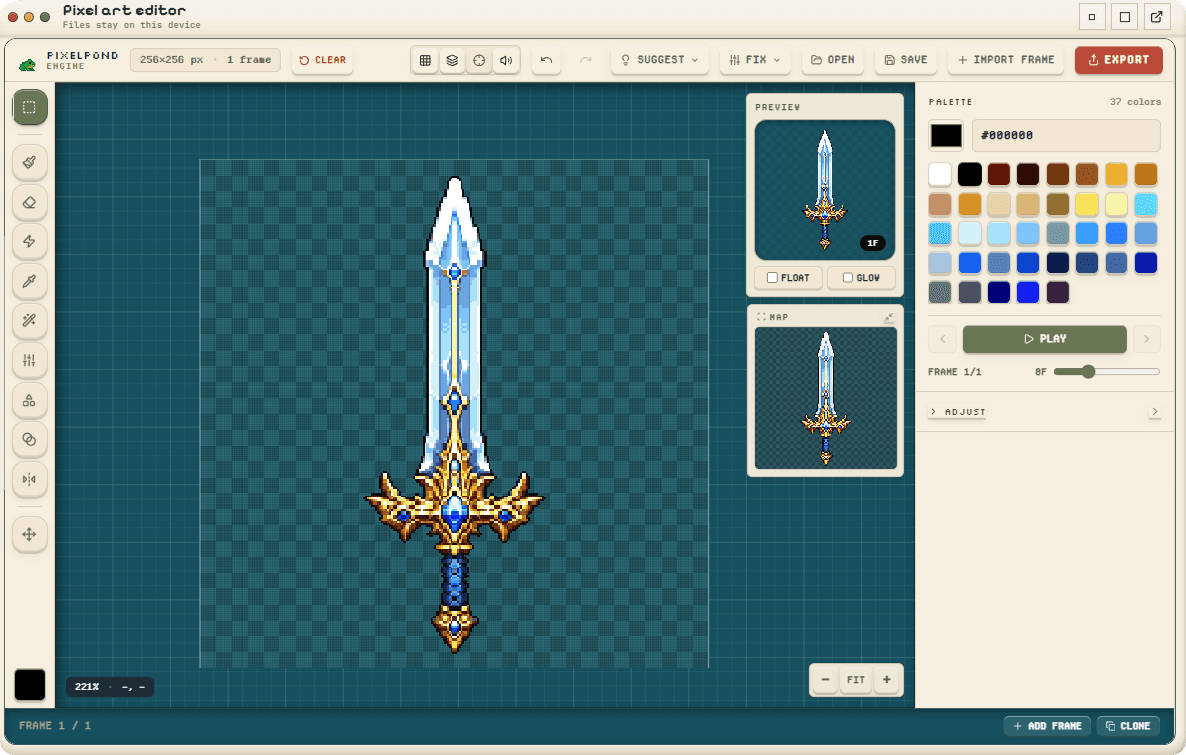
The editor stays focused on the asset: canvas, previews, palette, frames, and export checks stay visible without burying the work behind a wall of panels.