
Wear OS Micro Icons
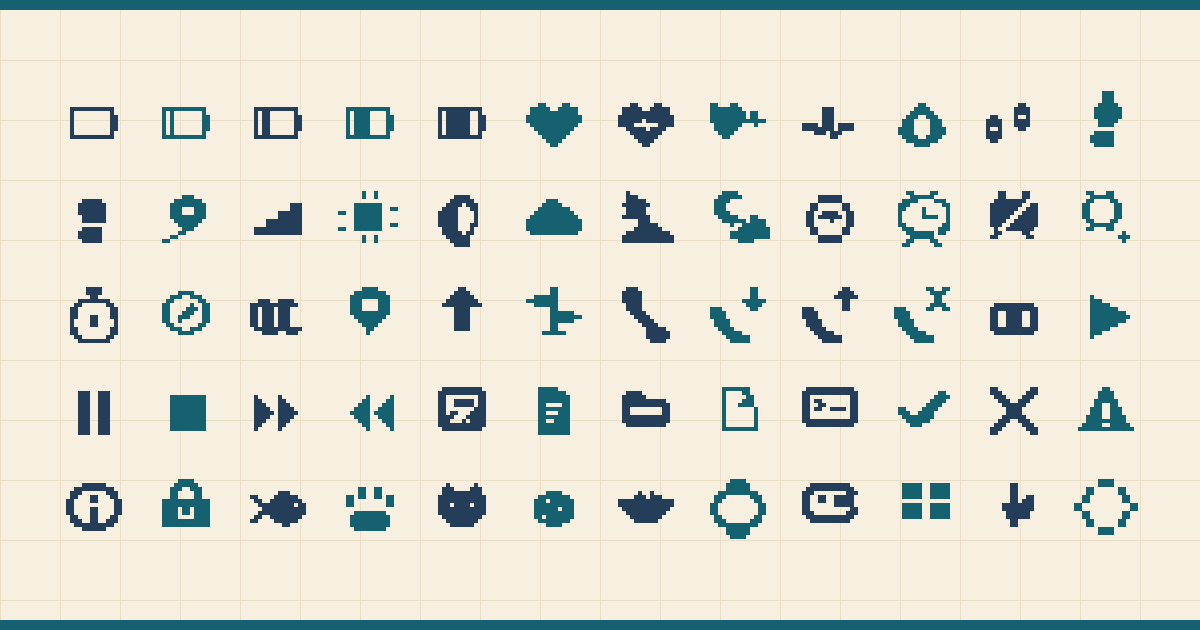
A purpose-built icon set for Wear OS complication layouts, tiny dashboards, and watch-face creators who need readable art at 16, 20, and 24 pixels.
Instant download after checkout - all 160 icons (SVG + PNG at every size, plus mono and tint variants), no account needed. Or try 24 free first.
A$12 · 160 icons · commercial use, no attribution - sell finished watch faces, apps, games, and client work, unlimited end products. Only redistributing the icons or source files inside a template, builder, picker, or bundled library needs the extended license (A$59). Billed in Australian dollars; local amounts are estimates.
Made by Pixelpond - the studio behind the free Pixelpond Engine these icons open straight into. The real source files are public on GitHub and the license is plain-English.
- Status
- Shipped v1
- Asset count
- 160 icons
- Source grid
- 16x16
- Price
- A$12
What's in the v1 pixel icon set
- Battery
- Steps
- Heart
- Weather
- Calendar
- Alarms
- Moon and sun
- Compass
- Location
- Media
- Calls
- Messages
- Timers
- Coding
- Pets
- Achievements
Export formats
- SVG
- PNG 16/20/24/32/48
- 1-bit monochrome
- white
- black
- transparent PNG
- curated tint sets
Drop-in ready for WFF & WFS
Every icon is a transparent PNG at 16/20/24/32/48 — reference it straight from a Watch Face Format <PartImage> or drag it onto a Samsung Watch Face Studio image layer. No SVG conversion, no re-export.
<PartImage x="120" y="96" width="24" height="24">
  <Image resource="@drawable/heart_24" />
</PartImage>
Built for ambient mode
Always-on display: drop in the 1-bit / white variant — monochrome pixels stay burn-in-safe and easy on power. Each icon stays legible at 16px and 20px on black, white, or transparent.
Included files and notes
- Wear OS complication examples
- Ambient-safe variants
- Pond, night, cream, and warning tint sets
- Burn-in-safe notes
- Watch Face Format memory notes
- Manifest with tags, aliases, and recommended use
Pack-specific notes
- Every icon ships a true ambient variant drawn for the dimmed always-on screen — not auto-tinted at export.
- Complication examples cover the slots you actually place: text-adjacent, circular, and simple glanceable states.
- Per-icon Watch Face Format memory notes keep image usage inside a real watch-face memory budget.
Try 24 icons free
A hand-picked 24-icon slice of the full pack — the same files, so you can drop them into a real Watch Face Format or Watch Face Studio project before you buy. Every export size, monochrome variant, tint, plus the SVG and 16×16 source grid.
wear-os-micro-icons-starter-free-v0-1-0.zip · PNG 16/20/24/32/48 · black / white / 1-bit · pond / night / cream / warning tints · SVG + grid · free for commercial use, no redistribution.
- Battery Half
battery-half - Battery Charging
battery-charging - Heart
heart - Heart Pulse
heart-pulse - Steps
steps - Run
run - Sun
sun - Moon
moon - Cloud
cloud - Rain
rain - Clock
clock - Alarm
alarm - Calendar
calendar - Map
map - Location
location - Phone
phone - Message
message - Play
play - Pause
pause - Check
check - Warning
warning - Wifi
wifi - Fish
fish - Watch Face
watch-face
 Battery Half
 Battery Charging
 Heart
Heart Heart Pulse
 Steps
Steps Run
Run Sun
Sun Moon
Moon Cloud
Cloud Rain
Rain Clock
Clock Alarm
Alarm Calendar
 Map
Map Location
 Phone
Phone Message
 Play
Play Pause
Pause Check
Check Warning
 Wifi
Wifi Fish
Fish Watch Face
All 160 icons
The complete pack, grouped by category. The 24 marked “Free” ship in the starter set; the rest come with the paid pack. Paid asset files are delivered after purchase, not linked here.
Battery and Power 12
- Battery Empty
battery-empty - Battery Low
battery-low - Battery Quarter
battery-quarter - Battery Half
battery-halfFree - Battery Three Quarter
battery-three-quarter - Battery Full
battery-full - Battery Charging
battery-chargingFree - Battery Alert
battery-alert - Saver Mode
saver-mode - Power
power - Plug
plug - Wireless Charge
wireless-charge
Health and Body 16
- Heart
heartFree - Heart Pulse
heart-pulseFree - Heart Rate
heart-rate - ECG
ecg - Blood Oxygen
blood-oxygen - Stress
stress - Sleep
sleep - Sleep Score
sleep-score - Calories
calories - Active Zone
active-zone - Workout
workout - Recovery
recovery - Hydration
hydration - Breath
breath - Body Temperature
body-temperature - Medication
medication
Steps and Activity 14
- Steps
stepsFree - Step Left
step-left - Step Right
step-right - Distance
distance - Floors
floors - Pace
pace - Run
runFree - Walk
walk - Bike
bike - Swim
swim - Hike
hike - Stand
stand - Move Ring
move-ring - Goal
goal
Weather and Sky 16
- Sun
sunFree - Moon
moonFree - Cloud
cloudFree - Partly Cloudy
partly-cloudy - Partly Cloudy Night
partly-cloudy-night - Rain
rainFree - Thunderstorm
thunderstorm - Lightning
lightning - Snow
snow - Snowflake
snowflake - Fog
fog - Wind
wind - Sunrise
sunrise - Sunset
sunset - Rainbow
rainbow - Umbrella
umbrella
Time, Calendar, and Alarms 16
- Clock
clockFree - Alarm
alarmFree - Alarm Off
alarm-off - Alarm Add
alarm-add - Stopwatch
stopwatch - Timer
timer - Hourglass
hourglass - Calendar
calendarFree - Calendar Event
calendar-event - Calendar Add
calendar-add - History
history - Snooze
snooze - World Clock
world-clock - Schedule
schedule - Bell
bell - AM / PM
am-pm
Navigation and Travel 12
- Compass
compass - Map
mapFree - Location
locationFree - Navigation
navigation - Signpost
signpost - Car
car - Plane
plane - Train
train - Globe
globe - Parking
parking - Fuel
fuel - Boat
boat
Calls and Messages 12
- Phone
phoneFree - Incoming Call
phone-incoming - Outgoing Call
phone-outgoing - Missed Call
phone-missed - Voicemail
voicemail - Message
messageFree - Chat
chat - Mail
mail - Video Call
video-call - Mic Mute
mic-mute - Contacts
contacts - Dialpad
dialpad
Media and Controls 12
- Play
playFree - Pause
pauseFree - Stop
stop - Fast Forward
fast-forward - Rewind
rewind - Skip Next
skip-next - Skip Previous
skip-prev - Shuffle
shuffle - Repeat
repeat - Volume Up
volume-up - Mute
mute - Cast
cast
Productivity and Coding 14
- Task
task - Note
note - Folder
folder - File
file - Terminal
terminal - Code
code - Bug
bug - Branch
branch - Pull Request
pull-request - Sync
sync - Database
database - Search
search - Gear
gear - Link
link
Status and System 12
- Check
checkFree - Error
error - Warning
warningFree - Info
info - Lock
lock - Unlock
unlock - Shield
shield - Wifi
wifiFree - Bluetooth
bluetooth - Signal
signal - Loading
loading - Do Not Disturb
do-not-disturb
Pets, Cozy, and Fun 12
- Fish
fishFree - Paw
paw - Pet
pet - Treat
treat - Bowl
bowl - Bone
bone - Flower
flower - Leaf
leaf - Star
star - Sparkle
sparkle - Trophy
trophy - Badge
badge
Watch Face UI and Misc 12
- Watch Face
watch-faceFree - Complication Slot
complication-slot - Face Layout
face-layout - Watch Hands
watch-hands - Dial Ring
dial-ring - Digital Time
digital-time - Palette
palette - Layers
layers - Edit Face
edit-face - Rotary Crown
rotary-crown - Always On
always-on - Tap
tap

Open it in the Pixelpond Engine
Every icon ships on a strict 16x16 source grid with 1px hard edges and no anti-aliasing, so the whole pack opens straight into the free Pixelpond Engine. Drop your source/icons.json and every icon loads as an editable frame with live QA, then export the same source back out losslessly.
More in the roadmap
Wear OS Motion Charms
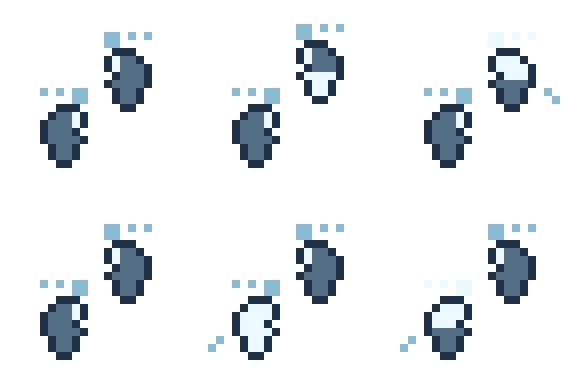
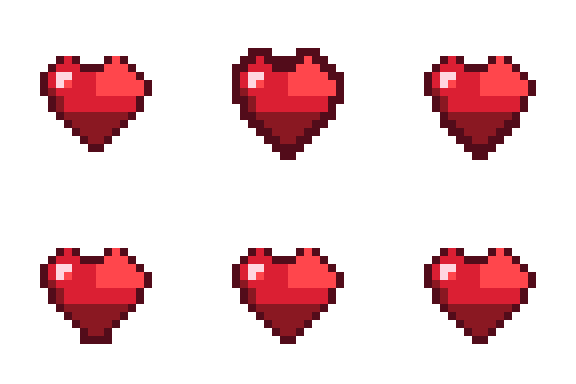
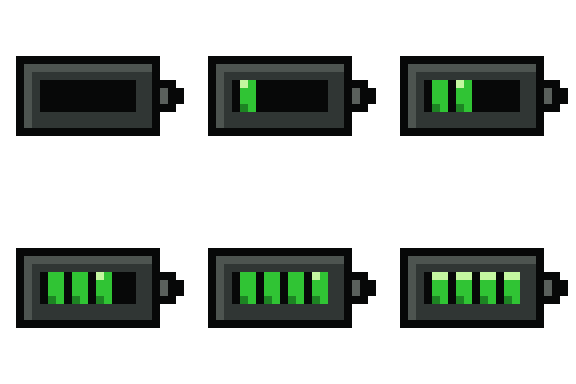
32 animated pixel decorations for data-reactive Wear OS watch faces.
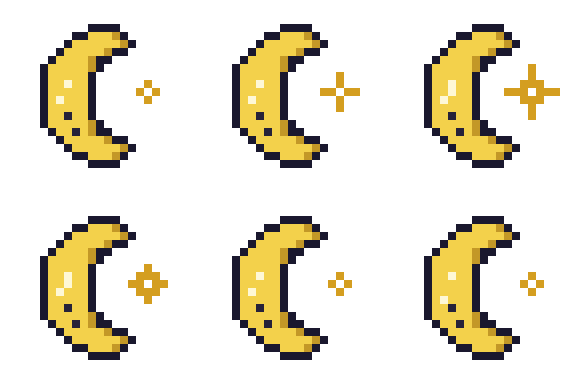
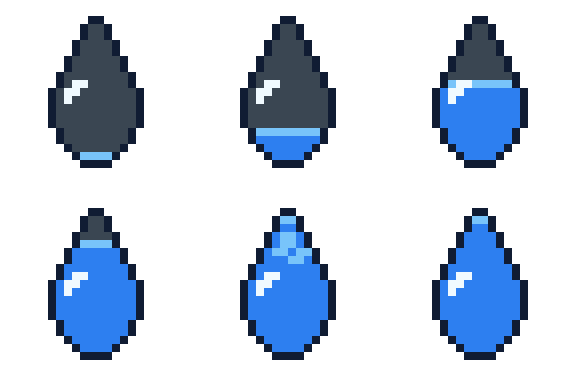
- animations
- 32 animations
- Grid
- 24x24
- License
- Standard
Wear OS Creator Bundle
The static micro icon pack plus Motion Charms, examples, and launch extras.
- assets
- 192+ assets
- Grid
- mixed
- License
- Bundle Standard