Image conversion
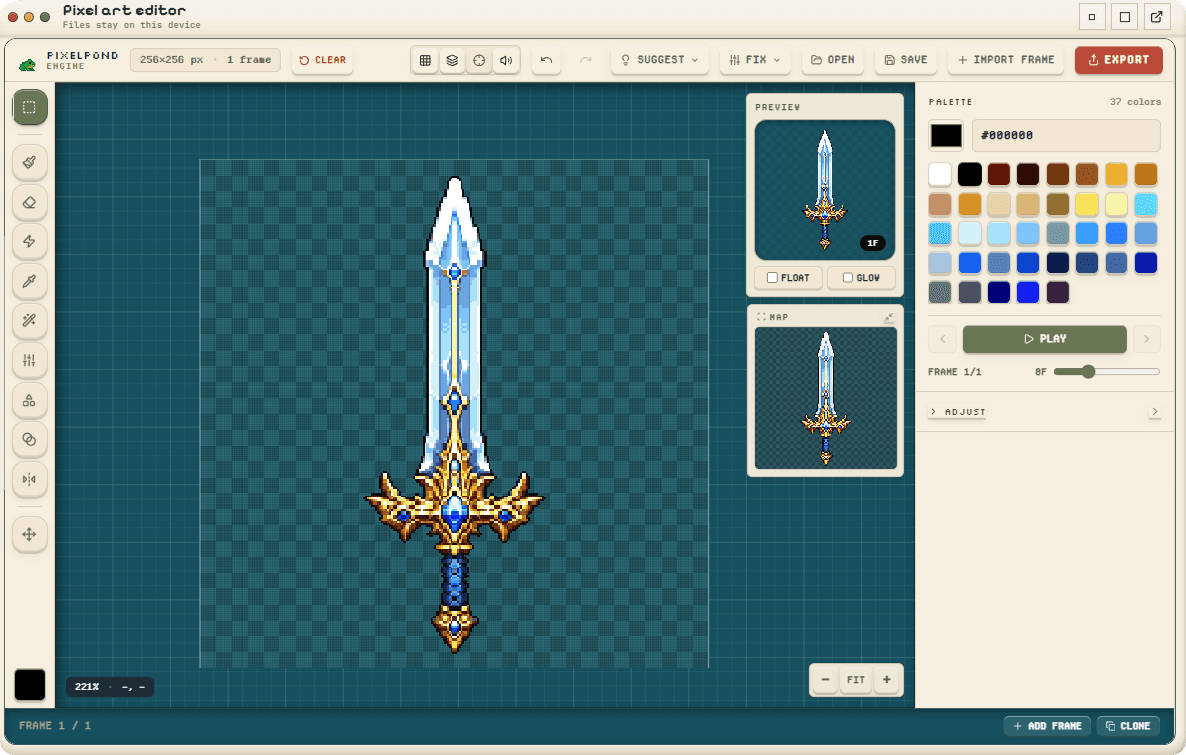
Convert images into crisp, editable pixel art.
Bring in a rough image, AI render, photo, logo, or sprite and turn it into a cleaner pixel asset with grid, palette, and export checks.
Use it when the source looks like pixel art but still has soft edges, too many colors, or a messy background.
Exports
- Clean PNG pixel asset
- Reduced project palette
- Transparent or cleaned background
- Export-ready source grid
Validation checks
- Implied grid fit
- Palette size and near-duplicates
- Background cleanup
- Export scale and blur risk
From a soft source to an editable pixel grid.
Bring in a rough image, AI render, photo, logo, or sprite and turn it into a cleaner pixel asset with grid, palette, and export checks.
- 1
Import the source image
Drop in an AI render, photo, logo, or rough sprite and let the engine inspect the image.
- 2
Find the working grid
Use grid detection and suggestions to move from a soft source to a real pixel canvas.
- 3
Clean palette and background
Merge near-duplicate colors, remove stray pixels, and clean the background where needed.
- 4
Touch up the result
Make focused edits on the clean grid instead of fighting the original high-resolution source.
- 5
Validate and export
Check scale, blur risk, and palette before exporting PNG, sheet, tile, or UI assets.