Sprite sheets
Sprite sheet editor for game-ready pixel animations.
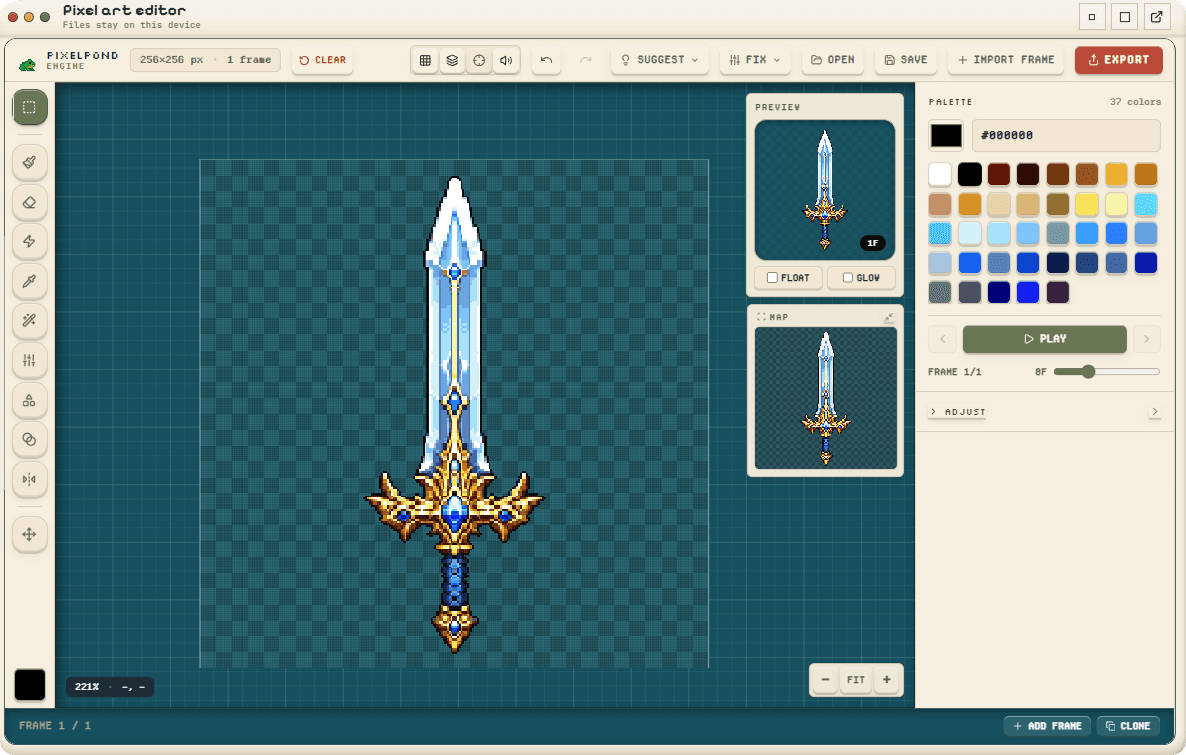
Assemble frames on a clean pixel grid, keep every cell consistent, then export a sprite sheet and sidecar metadata that is ready to import into a game project.
Use it when a character, prop, effect, or UI animation needs a reliable sheet instead of a folder of loose frames.
Exports
- Transparent PNG sprite sheet
- Frame JSON with cells, fps, and pivots
- Optional GIF or APNG loop preview
Validation checks
- Consistent frame size
- Palette drift across frames
- Integer export scale
- Likely blur in target engines
From loose frames to a validated sheet.
Assemble frames on a clean pixel grid, keep every cell consistent, then export a sprite sheet and sidecar metadata that is ready to import into a game project.
- 1
Import or draw the frames
Start from rough frames, a sketch, or a small sprite and keep the source on a true pixel grid.
- 2
Clean the frame set
Remove stray pixels, merge near-duplicate colors, and keep the shared palette stable across the loop.
- 3
Set cells and pivots
Confirm each frame uses the same cell size and add pivots where the target engine needs anchors.
- 4
Validate the export
Run export checks for frame size, palette drift, integer scale, and target-engine filtering warnings.
- 5
Export the sheet
Download the PNG sheet, JSON metadata, notes, and optional GIF/APNG/animated SVG preview.