Animation
Export pixel art animations as GIF, APNG, animated SVG, or sprite sheets.
Preview a small loop, align frames by anchor, keep the palette consistent, and export the animation format that fits the project.
Use it for idle loops, item effects, UI motion, social previews, and lightweight web animations.
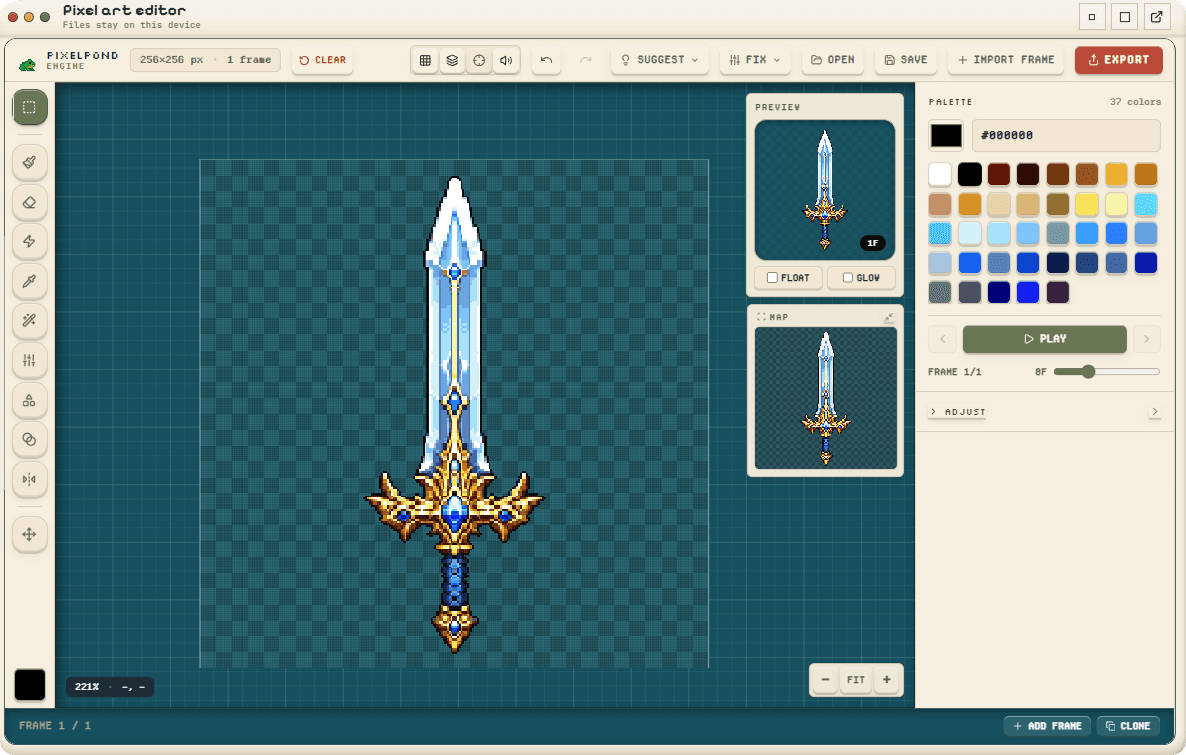
Exports
- GIF animation
- APNG animation
- Animated SVG
- Engine-ready sprite sheet
Validation checks
- Frame size consistency
- Cross-frame palette drift
- Anchor alignment
- Target format validation
One still sprite in, a seamless loop out.
Each loop was made in the Micro-Animation lane from a single static sprite — no frame-by-frame drawing. Pick a motion, then export it as a GIF, APNG, or animated SVG.

Before 
After Idle breath
A resting sprite that gently breathes — perfect for an idle pose.

Before 
After Swim
A drifting ripple that reads as something alive in water.

Before 
After Glow
A warm pulse that swells and settles — embers, lamps, magic.

Before 
After Shimmer
A soft glint travelling across the surface and back.
From frames to the right animation format.
Preview a small loop, align frames by anchor, keep the palette consistent, and export the animation format that fits the project.
- 1
Add the frames
Import or draw the animation frames on the same pixel canvas.
- 2
Set fps and anchors
Choose the playback speed and align frames around the anchor point so the loop does not jump.
- 3
Clean the shared palette
Merge near-duplicate colors and remove off-palette pixels that only appear in one frame by accident.
- 4
Preview the loop
Check motion timing and frame order before choosing the final export format.
- 5
Export the right format
Use GIF or APNG for raster previews, animated SVG for web use, or a sprite sheet for engines.